Cloud
Cloud Computing Explained: AWS vs Azure and How to Get Started
The core concepts of cloud computing, how AWS and Azure services map onto each other, how to avoid a surprise bill, and how to choose which platform to learn first.
- Published
- Updated
- Reading time
- 7 min read
In this guide
- What makes something "cloud"?
- What are IaaS, PaaS and SaaS?
- What are the cloud deployment models?
- Who is responsible for security in the cloud?
- AWS and Azure core services compared
- Should you learn AWS or Azure first?
- How do you avoid a surprise cloud bill?
- Your first hands-on project
- How do you design well in the cloud?
- A cloud learning roadmap
- Frequently asked questions
- Sources and further reading
Cloud computing means renting computing resources such as servers, storage and databases over the internet, and paying for what you use instead of buying and running your own hardware. Amazon Web Services (AWS) and Microsoft Azure are two of the largest providers.
Imagine launching a website that gets 100 visitors one week and 100,000 the next. With your own servers, you must buy for the peak and pay for idle machines the rest of the time. In the cloud, capacity can grow and shrink with demand. That flexibility, more than any particular service, is the core idea.
The formal definition still widely cited comes from the US National Institute of Standards and Technology. NIST SP 800-145 describes a model with five essential characteristics, three service models and four deployment models. This guide explains those, then compares AWS and Azure for someone starting out.
What makes something "cloud"?
Under the NIST definition, a cloud service has these five characteristics:
- On-demand self-service: you get resources yourself, without asking a person at the provider.
- Broad network access: services are reached over the network from ordinary devices.
- Resource pooling: the provider serves many customers from shared hardware.
- Rapid elasticity: capacity can scale up and down quickly.
- Measured service: usage is metered, which makes pay-as-you-go possible.
What are IaaS, PaaS and SaaS?
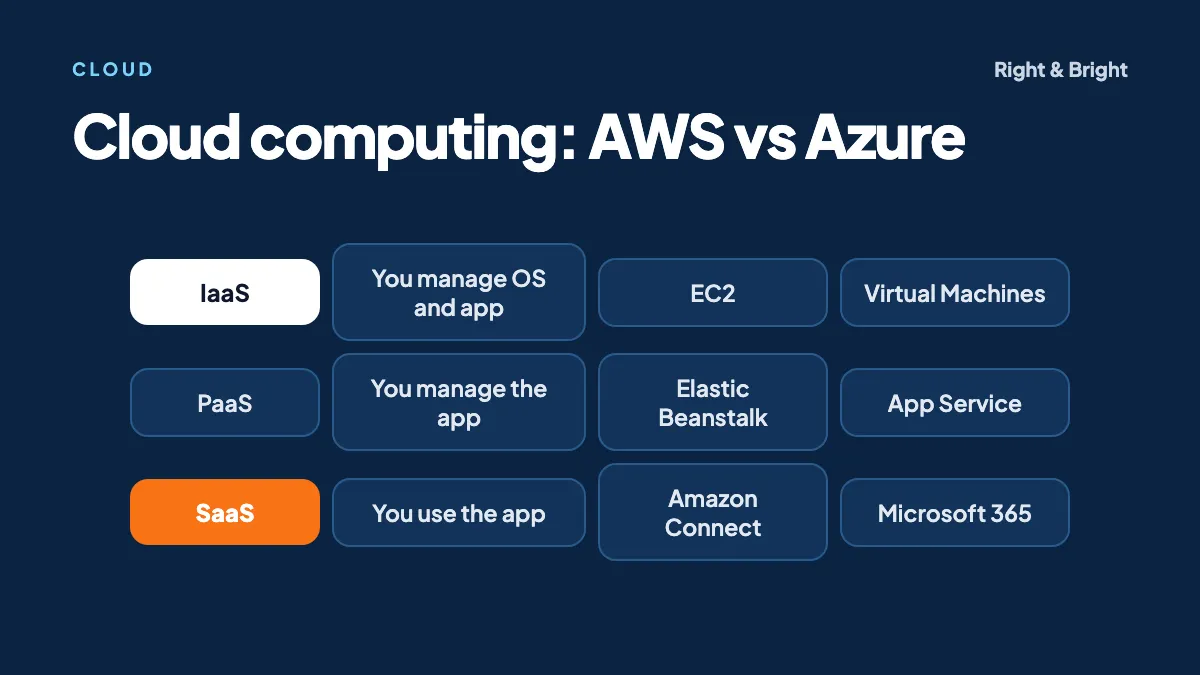
The three service models differ in how much the provider manages. With IaaS you rent infrastructure and manage the rest, with PaaS you deploy code onto a managed platform, and with SaaS you simply use a finished application.
| Model | You manage | AWS example | Azure example |
|---|---|---|---|
| IaaS | Operating system, runtime, app and data | EC2 | Virtual Machines |
| PaaS | App, data and configuration | Elastic Beanstalk | App Service |
| SaaS | Your data, users and settings | Amazon Connect | Microsoft 365 |
An everyday comparison
Think of IaaS as renting an empty flat: you bring the furniture and fix what you break. PaaS is a serviced apartment, where you bring only your belongings. SaaS is a hotel room, where you just turn up. More convenience generally means less control.
What are the cloud deployment models?
- Public cloud: run by a provider and open to many customers. This is what most people mean by "the cloud".
- Private cloud: used by a single organisation, whether on its own premises or hosted.
- Community cloud: shared by organisations with common requirements.
- Hybrid cloud: a combination of two or more of these, connected together.
Who is responsible for security in the cloud?
Security is shared. The provider secures the underlying infrastructure, and the customer secures what they put on it. Your data, accounts and access settings remain your responsibility whichever service model you use.
AWS summarises this as security "of" the cloud (its job) and security "in" the cloud (yours). On EC2, for example, you patch the operating system and configure the firewall rules. Azure's documentation sets out a similar split: customer data, configuration and identities stay with the customer across on-premises, IaaS, PaaS and SaaS.
This matters in practice, because a storage bucket left open to the internet is a customer configuration mistake. The provider's secure data centre will not save you from it.
AWS and Azure core services compared
The names differ, but the concepts map closely. Learn one platform well, and the second takes far less time.
| What you need | AWS | Azure |
|---|---|---|
| Virtual servers | EC2 | Virtual Machines |
| Object storage | S3 | Blob Storage |
| Serverless functions | Lambda | Functions |
| Private networking | VPC | Virtual Network |
| Identity and access | IAM | Microsoft Entra ID and Azure RBAC |
| Infrastructure as code | CloudFormation | ARM templates and Bicep |
| Managed Kubernetes | EKS | AKS |
Should you learn AWS or Azure first?
Choose the platform that appears most in job listings for the roles and employers you want. If those are evenly split, either is a sound start, because the core concepts carry over.
Some rules of thumb, which are our opinion and not hard facts:
- Lean toward Azure if your target employers rely on Microsoft products such as Microsoft 365, Windows Server or .NET.
- Lean toward AWS if you are aiming at startups and product companies that already build on it.
- Check your market directly. Search for 50 current job listings in your city or preferred remote market and count the mentions. It takes an hour, and it is more relevant to you than any general market-share chart.
How do you avoid a surprise cloud bill?
Beginners should deal with this before launching anything. Pay-as-you-go also means that you pay for what you forget.
- Set a budget alert first. Both AWS Budgets and Azure budgets can email you. Alerts notify you, but they do not stop spending by themselves.
- Read the current free offer. AWS's Free Tier is now built around credits of up to $200, with a free plan and a paid plan. Azure has its own free account. These offers change, so check the terms before you sign up.
- Delete what you finish with. Stopped virtual machines can still incur charges for attached storage, and forgotten load balancers and IP addresses add up.
- Use a learning account only for learning, and keep it separate from anything real.
Your first hands-on project
Do this on your own account, after setting up a budget alert. First secure the account: enable multi-factor authentication, and avoid using the root user for everyday work.
Then create your first resource from code, not by clicking through the console. This CloudFormation template creates a private S3 bucket:
AWSTemplateFormatVersion: '2010-09-09'
Description: A private S3 bucket for learning

Resources:
  NotesBucket:
    Type: AWS::S3::Bucket
    Properties:
      PublicAccessBlockConfiguration:
        BlockPublicAcls: true
        BlockPublicPolicy: true
        IgnorePublicAcls: true
        RestrictPublicBuckets: true
Deploy it with the AWS CLI, and remove it when you are done:
aws cloudformation deploy --template-file bucket.yaml --stack-name notes-bucket
aws cloudformation delete-stack --stack-name notes-bucket
This small exercise teaches a good habit: your infrastructure is reviewable, repeatable and easy to delete. That is the idea of infrastructure as code, which our DevOps guide explains further. Note that deletion can fail if the bucket still contains files, so empty it first.
How do you design well in the cloud?
Both providers publish design guidance that is worth reading once you know the basics. The AWS Well-Architected Framework has six pillars: operational excellence, security, reliability, performance efficiency, cost optimization and sustainability. The Azure Well-Architected Framework covers very similar ground.
Two habits serve beginners especially well. Assume that any single component can fail, and grant only the permissions that each person or service actually needs.
A cloud learning roadmap
- Learn the prerequisites: basic Linux, networking and how web applications work.
- Pick one platform, and consider a fundamentals certification as a structured goal. AWS Certified Cloud Practitioner and Azure Fundamentals are the usual entry points.
- Master the core: compute, storage, networking and identity.
- Deploy a real app. Our MEAN and MERN guides cover what you might build, and an AI project such as a RAG application also works well.
- Add automation: infrastructure as code and CI/CD.
- Add monitoring, then look at containers and Kubernetes.
Right & Bright offers two 8-week, intermediate-level courses. The AWS course covers EC2, S3, Lambda, VPC, CloudFormation and CodePipeline. The Azure course covers VMs, App Service, Azure DevOps, AKS, Functions and ARM templates.
Frequently asked questions
Do I need coding to learn cloud computing?
You can start without much, but basic scripting soon becomes important. Automation and infrastructure as code are central to cloud work, so plan to learn a language such as Python or Bash.
Is cloud computing always cheaper?
No. It avoids upfront hardware costs and suits variable workloads, but steady, unmanaged workloads can become expensive. Cost is something you must design for and monitor.
Is my data safe in the cloud?
Providers invest heavily in the security of their infrastructure, but much depends on your own configuration. Access settings, encryption choices and account security are part of your responsibility.
Is a certification enough to get a cloud job?
Usually not by itself. A certification shows that you have studied the platform, while projects show that you can use it. We recommend having both where possible.
What is serverless?
Serverless means that the provider manages the servers, and you supply code or configuration. With Lambda or Azure Functions, your code runs in response to events, and you are generally billed for what you use. Servers still exist, but you do not manage them.
Sources and further reading
AWS and Azure courses
Learn the cloud by building on it
Choose our 8-week AWS course (EC2, S3, Lambda, VPC, CloudFormation, CodePipeline) or our 8-week Azure course (VMs, App Service, Azure DevOps, AKS, Functions, ARM templates).
Related guides
DevOps
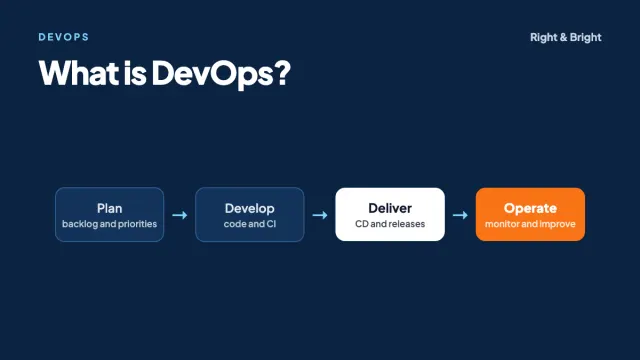
What Is DevOps? Lifecycle, CI/CD, Tools and How to Get Started
DevOps explained: the lifecycle, CI/CD, infrastructure as code, containers, DORA metrics, AWS and Azure tools, common myths and a career roadmap.
7 min read
AI and LLMs
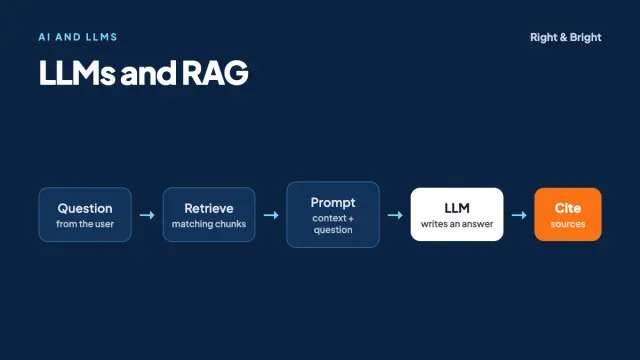
LLMs and RAG Explained: A Practical Guide to Building AI Applications
How LLMs, prompt engineering, embeddings and RAG work, with a runnable Python example, advice on evaluation and security, and a learning roadmap.
8 min read
Full-stack development
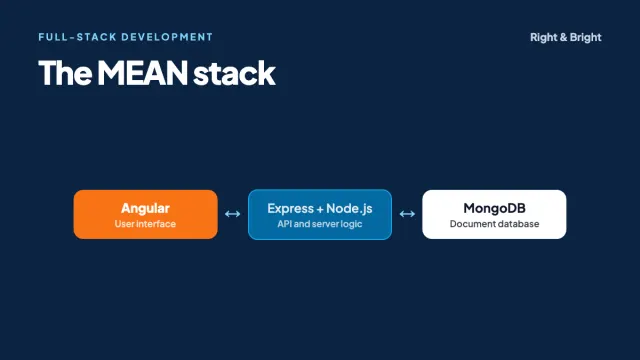
What Is the MEAN Stack? Angular, Node.js and How It Compares with MERN
The MEAN stack explained: MongoDB, Express, Angular and Node.js, with Angular code, a MEAN vs MERN comparison, common mistakes and a learning roadmap.
7 min read