Test automation
Playwright Testing: A Practical Guide for Beginners with TypeScript
What Playwright does, how it compares with Selenium, and how to write stable tests, with working examples you can run against our free practice page.
- Published
- Updated
- Reading time
- 7 min read
In this guide
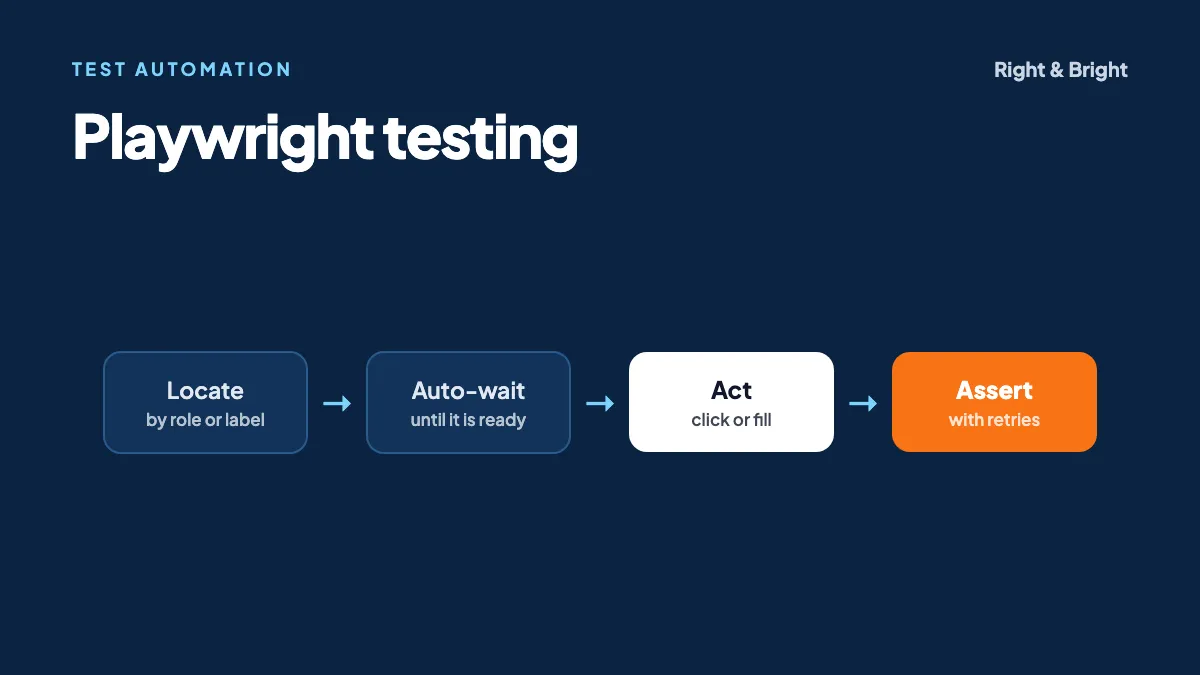
Playwright is an open-source framework for end-to-end testing of web applications. It drives Chromium, Firefox and WebKit through one API, waits automatically for pages to be ready, and includes its own test runner, reports and debugging tools.
Most automation beginners meet the same problem in their first week: a test passes on Monday and fails on Tuesday, though nothing changed. Usually the script clicked a button before the page was ready. Playwright was designed around that problem, which makes it a good place to start learning.
This guide covers what Playwright does, how it compares with Selenium, and how to write real tests. Every test below ran successfully against our free automation practice page, so you can follow along on the same page.
Why do teams use Playwright?
Teams use Playwright because it reduces flaky tests, tests across the major browser engines, and bundles what a test suite needs (runner, assertions, parallel execution, reports and traces) in one tool.
- Auto-waiting. Before a click, Playwright checks that the element is visible, stable, able to receive events and enabled. If those checks do not pass in time, the action fails with a clear timeout.
- Web-first assertions.
toBeVisible()and similar assertions retry until they pass or time out, so you rarely need manual waits. - Test isolation. Each test gets its own storage and cookies, so one test does not quietly break another.
- Debugging tools. The Trace Viewer lets you step through a failed run, and codegen records your actions as a starting script.
- API testing. The same tool can call your REST APIs directly, which is useful for test setup and backend checks.
Playwright vs Selenium: which should you learn?
Choose Playwright for a new web project, especially in TypeScript. Learn Selenium if your target employers or existing test suites use it, particularly in Java. Both skills transfer, because the testing concepts are the same.
| Playwright | Selenium | |
|---|---|---|
| Languages | TypeScript and JavaScript, Python, Java, .NET | Java, Python, C#, Ruby, JavaScript |
| Waiting | Automatic before actions and in assertions | Explicit waits are generally written by you |
| Test runner | Included for TypeScript and JavaScript | Paired with one, such as TestNG |
| Driver setup | Installs its own browser builds | Selenium Manager handles drivers automatically |
| Scaling out | Parallel workers and sharding | Selenium Grid |
| Best fit | New web test suites | Existing suites and Java-heavy teams |
Some older comparisons complain about manually managing Selenium drivers. That criticism is out of date: Selenium Manager has been included since Selenium 4.6.
In our opinion, the fairest way to decide is to read 20 job listings for the roles you want and count what they ask for. For native mobile apps, neither is the right tool. Playwright's mobile support is browser emulation, whereas Appium automates real native apps.
How do you set up Playwright?
You need a current Node.js release. Playwright's documentation lists the latest 22.x, 24.x or 26.x at the time of writing. Then run:
npm init playwright@latestChoose TypeScript when prompted. The installer creates three things you will use constantly:
playwright.config.tsfor browsers, timeouts, retries and reporters.tests/with an example test.package.jsonwith the dependency recorded.
Point the configuration at the practice page by setting baseURL:
import { defineConfig } from '@playwright/test';

export default defineConfig({
  use: { baseURL: 'https://rightandbright.in' },
});
Writing your first tests
Save this as tests/practice.spec.ts. We ran all three tests with Playwright 1.64.1 against a local build of our practice page, and they passed.
import { test, expect } from '@playwright/test';

test.beforeEach(async ({ page }) => {
  await page.goto('/automation-practice');
});

test('echoes what the user types', async ({ page }) => {
  await page.getByPlaceholder('Enter your text here').fill('Playwright');
  await expect(page.getByText('You typed: Playwright')).toBeVisible();
});

test('waits for slow content without a sleep', async ({ page }) => {
  await page.getByRole('button', { name: 'Simulate Loading' }).click();
  await expect(page.getByText('Loading complete!')).toBeVisible();
});

test('accepts a browser confirm dialog', async ({ page }) => {
  page.once('dialog', (dialog) => dialog.accept());
  await page.getByRole('button', { name: 'Show Confirm' }).click();
  await expect(page.getByText('Confirm: OK clicked')).toBeVisible();
});
Run them with these commands:
npx playwright test            # headless, in parallel
npx playwright test --ui       # interactive UI mode
npx playwright show-report     # open the HTML report
What these tests teach
- The second test has no sleep. The assertion keeps retrying until the "Loading complete!" message appears. A fixed wait would either slow the test or fail on a slow day.
- The third test registers the handler before clicking. Playwright auto-dismisses dialogs by default, so without the handler the confirm would be cancelled. Try removing it and watch the test fail. Reading that failure is good practice.
- Each test starts fresh.
beforeEachhandles shared setup, and nothing carries over from the previous test.
How should you choose locators?
Prefer locators based on what users perceive, such as role, label, placeholder and text. Use CSS or XPath only when nothing better exists, because they tend to break when the page structure changes.
| Locator | Use it for | Example |
|---|---|---|
getByRole | Buttons, links, headings, checkboxes | getByRole('button', { name: 'Submit' }) |
getByLabel | Form fields with labels | getByLabel('Email') |
getByPlaceholder | Inputs with no label | getByPlaceholder('Search') |
getByText | Non-interactive text | getByText('Order placed') |
getByTestId | Elements with no stable text | getByTestId('cart-total') |
locator() | A last resort | locator('.card > div:nth-child(2)') |
The full list is in the locators documentation. Role-based locators have a useful side effect, too: when one is hard to write, the element may be hard for screen reader users as well.
Running Playwright in CI/CD
A test suite earns its keep when it runs on every change, without anyone remembering to start it. Playwright recommends running tests on each commit and pull request, and using traces to debug CI failures. Here is a minimal GitHub Actions workflow:
name: Playwright Tests
on:
  push:
    branches: [main]
  pull_request:

jobs:
  test:
    runs-on: ubuntu-latest
    steps:
      - uses: actions/checkout@v4
      - uses: actions/setup-node@v4
        with:
          node-version: lts/*
      - run: npm ci
      - run: npx playwright install --with-deps chromium
      - run: npx playwright test
Tests run in parallel across files by default, and large suites can be split across machines with --shard. For where this fits in the wider delivery process, see our guide to how DevOps works.
Common Playwright mistakes
- Forgetting
await. This is the most common beginner bug, and it causes confusing failures. Playwright suggests the ESLintno-floating-promisesrule to catch it. - Using manual checks instead of web-first assertions.
expect(await el.isVisible()).toBe(true)checks once and moves on.await expect(el).toBeVisible()retries. - Adding sleeps to fix flakiness. Find out what the test is really waiting for, then assert on that.
- Making tests depend on each other. If test B only passes after test A, a single failure hides everything after it.
- Testing sites you do not control. Playwright's guidance is to mock third-party services, as they can change or rate-limit you at any time.
- Copying codegen output unchanged. It is a useful starting point, but a test also needs meaningful assertions and clear structure.
A learning roadmap for beginners
- Learn testing basics: what makes a good test case, and the difference between unit, API and end-to-end tests.
- Learn enough TypeScript: variables, functions, async/await, types and modules.
- Practise locators and assertions on the practice page, covering forms, alerts, iframes and dynamic content.
- Add structure: fixtures and the Page Object pattern.
- Add API testing, then use it to set up test data faster.
- Run it in CI, with parallel execution and traces.
- Build a portfolio project: test an app you built or one made for practice, and publish the code. If you want an app to test, this introduction to MERN covers how to build one.
Right & Bright's 8-week Playwright with TypeScript course is a beginner-level course that covers TypeScript fundamentals, locators and selectors, assertions, API testing, CI/CD and parallel execution.
Frequently asked questions
Do I need to know programming to learn Playwright?
You need some, but you can learn it alongside the tool. Variables, functions, loops and async/await will take you a long way. Starting from zero simply means spending your first weeks on TypeScript basics.
Is Playwright better than Selenium?
Neither is better in every case. Playwright offers a more complete experience out of the box for new projects, while Selenium has a long history and is widely used in existing Java and enterprise test suites.
Can Playwright test mobile apps?
It can emulate mobile browsers, including Chrome on Android and Mobile Safari. It does not automate native mobile apps, which is a job for Appium.
Should I use TypeScript or JavaScript?
We recommend TypeScript. Editors can catch mistakes and suggest method names as you type, which helps beginners. Playwright's own setup supports it directly, with no extra configuration.
Is Playwright free?
Yes, Playwright is open source. Your only likely costs are for the machines that run it, such as CI minutes.
Sources and further reading
- Playwright: Installation, Best practices and Auto-waiting
- Playwright: Setting up CI
- Selenium: Documentation
- Appium: Documentation
Playwright with TypeScript
Learn test automation with a mentor
Our 8-week, beginner-level course covers TypeScript fundamentals, locators, assertions, API testing, CI/CD and parallel execution. Sit in on a free demo class before you decide.
Related guides
DevOps
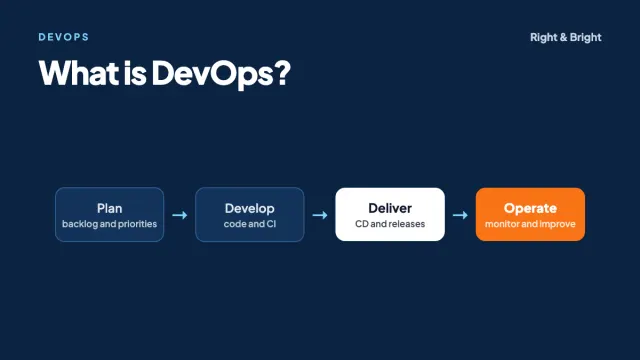
What Is DevOps? Lifecycle, CI/CD, Tools and How to Get Started
DevOps explained: the lifecycle, CI/CD, infrastructure as code, containers, DORA metrics, AWS and Azure tools, common myths and a career roadmap.
7 min read
Full-stack development
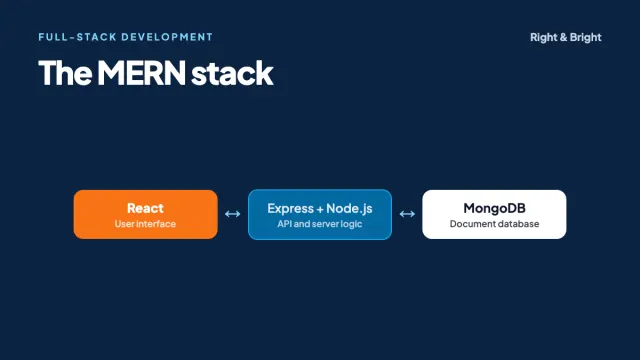
What Is the MERN Stack? How It Works and How to Learn It
The MERN stack explained: MongoDB, Express, React and Node.js, with code for a full request, data modelling and security basics, and a learning roadmap.
7 min read
Full-stack development
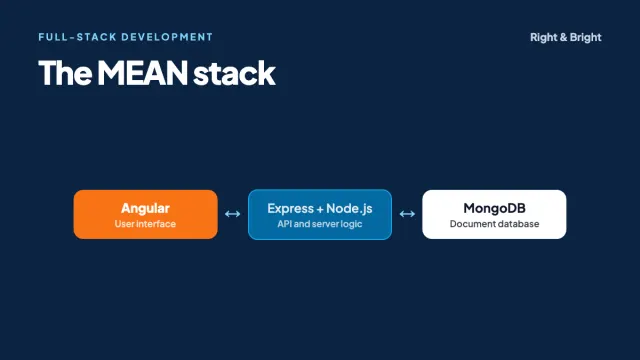
What Is the MEAN Stack? Angular, Node.js and How It Compares with MERN
The MEAN stack explained: MongoDB, Express, Angular and Node.js, with Angular code, a MEAN vs MERN comparison, common mistakes and a learning roadmap.
7 min read